Top 10 Free Invoice Generators in 2026 (Compared)
Jonathan Di Trapani
Published on Jan 12, 2026 · 5 min read
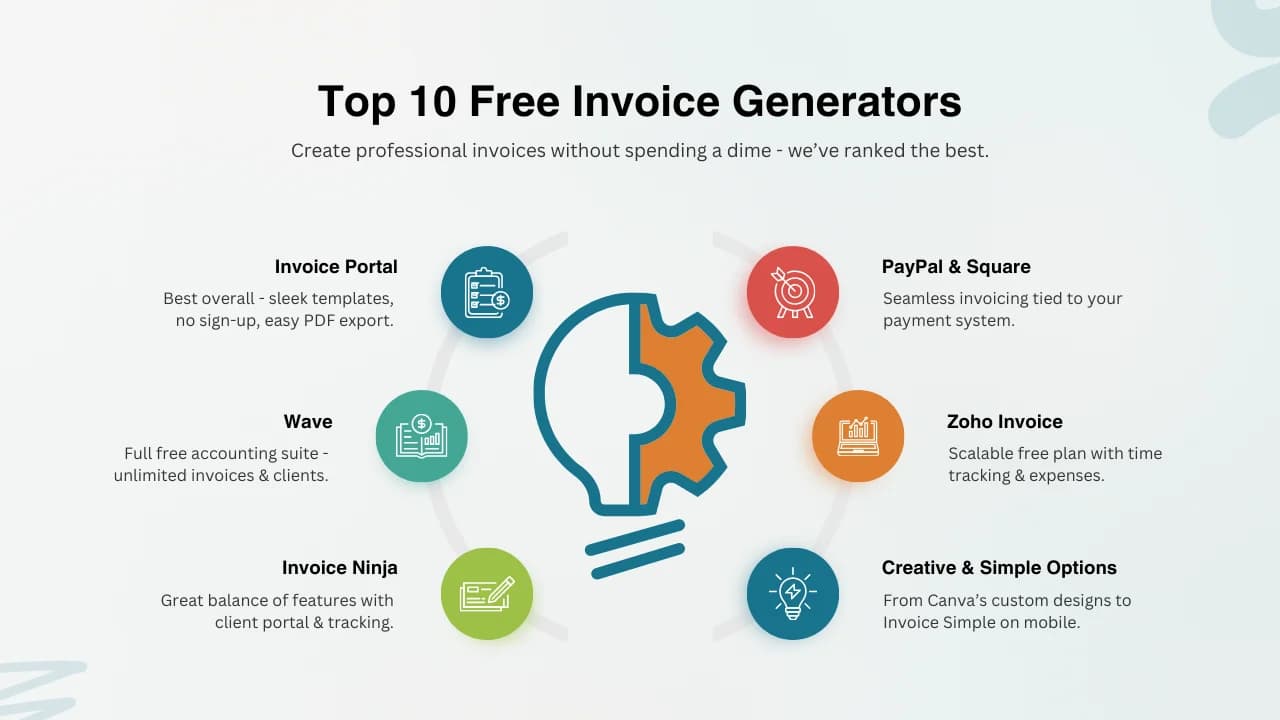
If you want free invoicing, plenty of tools claim to help—yet not all have great templates, fast PDFs, or a pleasant UX. We reviewed 10 popular options and compared pros and cons for 2026.
The essentials: speed, clarity, and low friction. Ideally no forced sign-up, quick PDF downloads, and multi-language support. Here’s our shortlist.
2026 Rankings
- BUQ — 9.5/10
- Zoho Invoice (Free Tier) — 9.0/10
- Wave — 8.8/10
- PayPal Invoicing — 8.6/10
- Square Invoices — 8.5/10
- Invoicely — 8.4/10
- Invoice Ninja (Free Tier) — 8.3/10
- FreshBooks (Trial) — 8.2/10
- Stripe Invoicing (Starter) — 8.0/10
- Google Docs/Sheets — 7.5/10
Quick Comparison
BUQ
Instant, brand-ready invoices with no sign-up and fast PDF export.
Pros: No sign-up, Modern templates, Multilanguage, Fast PDF
Cons: No long-term storage (stateless)
Zoho Invoice (Free Tier)
Solid free plan with contacts and tracking for small teams.
Pros: Strong free plan, Client portal, Time tracking
Cons: Account required, Busy UI
Wave
Forever-free invoicing for small business.
Pros: Unlimited invoices, Payment links, Receipts
Cons: Few templates, Paid add-ons
PayPal Invoicing
Easy sending with built-in payments.
Pros: Quick sending, Customer trust, Built-in payments
Cons: Fees, PayPal branding
Square Invoices
Good for retail/service with payments and reminders.
Pros: Recurring invoices, Inventory integration, Payments
Cons: Fees, Ecosystem-centric
Invoicely
Simple UI with essentials.
Pros: Multi-currency, Mileage/time, Decent templates
Cons: Branding on free plan, Limited customization
Invoice Ninja (Free Tier)
Open-source option with client portal.
Pros: Open source, Client portal, Quotes + invoices
Cons: Learning curve, Branding on free plan
FreshBooks (Trial)
Great UX but free only as trial.
Pros: Great design, Time tracking, Expenses
Cons: Trial only, Paid after
Stripe Invoicing (Starter)
Ideal if you already use Stripe.
Pros: Payments ready, Smart fields, API friendly
Cons: Fees, Account required
Google Docs/Sheets
DIY with templates.
Pros: Free, Familiar, Shareable
Cons: Manual, No automation, Formatting risk
Why BUQ stands out
BUQ is instant and stateless. Modern templates, fast PDF export, and multilingual support make it ideal for frictionless invoicing with a clean look.
Try it via the free invoice generator.
Frequently Asked Questions
What should I look for in a free invoice generator?
Templates, customization, PDF export, and core features that stay free.
Are free invoice generators safe to use?
Choose reputable providers; many don’t store your data.
Can I make a legally valid invoice for free?
Yes—include a unique number, parties, line items, and totals.
Conclusion
Pick the tool that balances ease, customization, and cost. For fast, beautiful, and sign-up-free invoicing, BUQ is our top pick.
![What is a Credit Note? How & When to Use It [+ Free Template]](/_next/image?url=%2Fassets%2Fwhat-is-a-credit-note.webp&w=3840&q=75)